Add or Remove Trainers and Assistant Coaches
This feature is for SA, ML, MA, CA, Trainer
Watch (about 40 s):
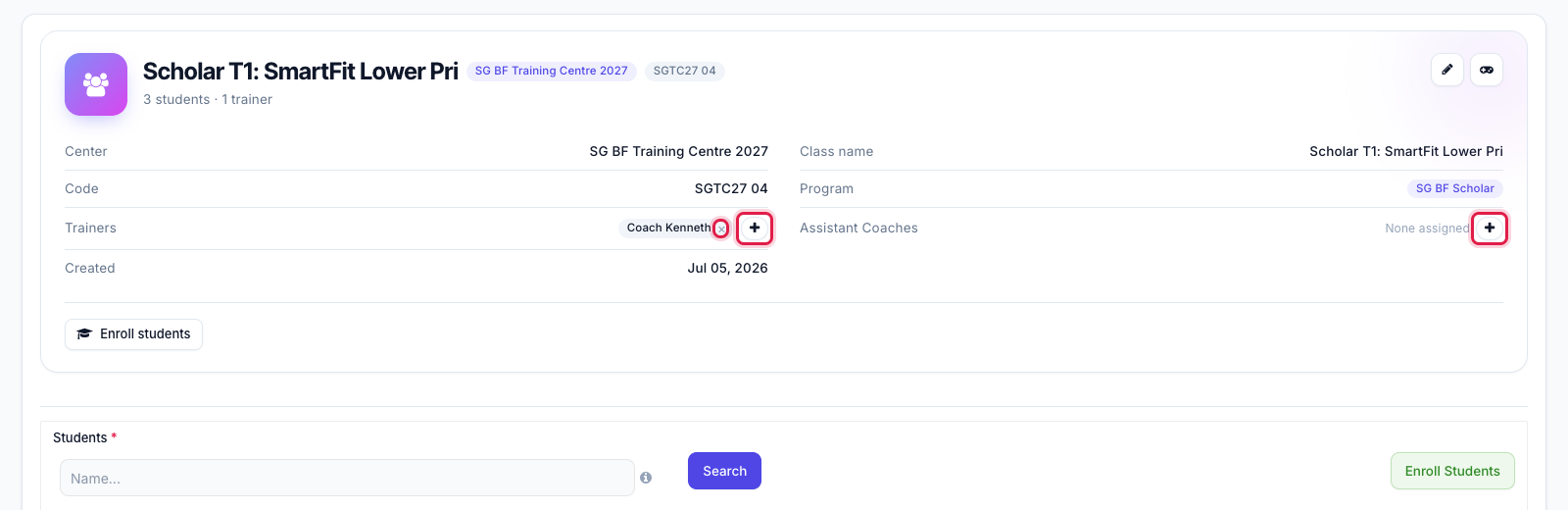
- On the class page, click + next to Trainers (or Assistant Coaches). The × on a name removes that person from the class.
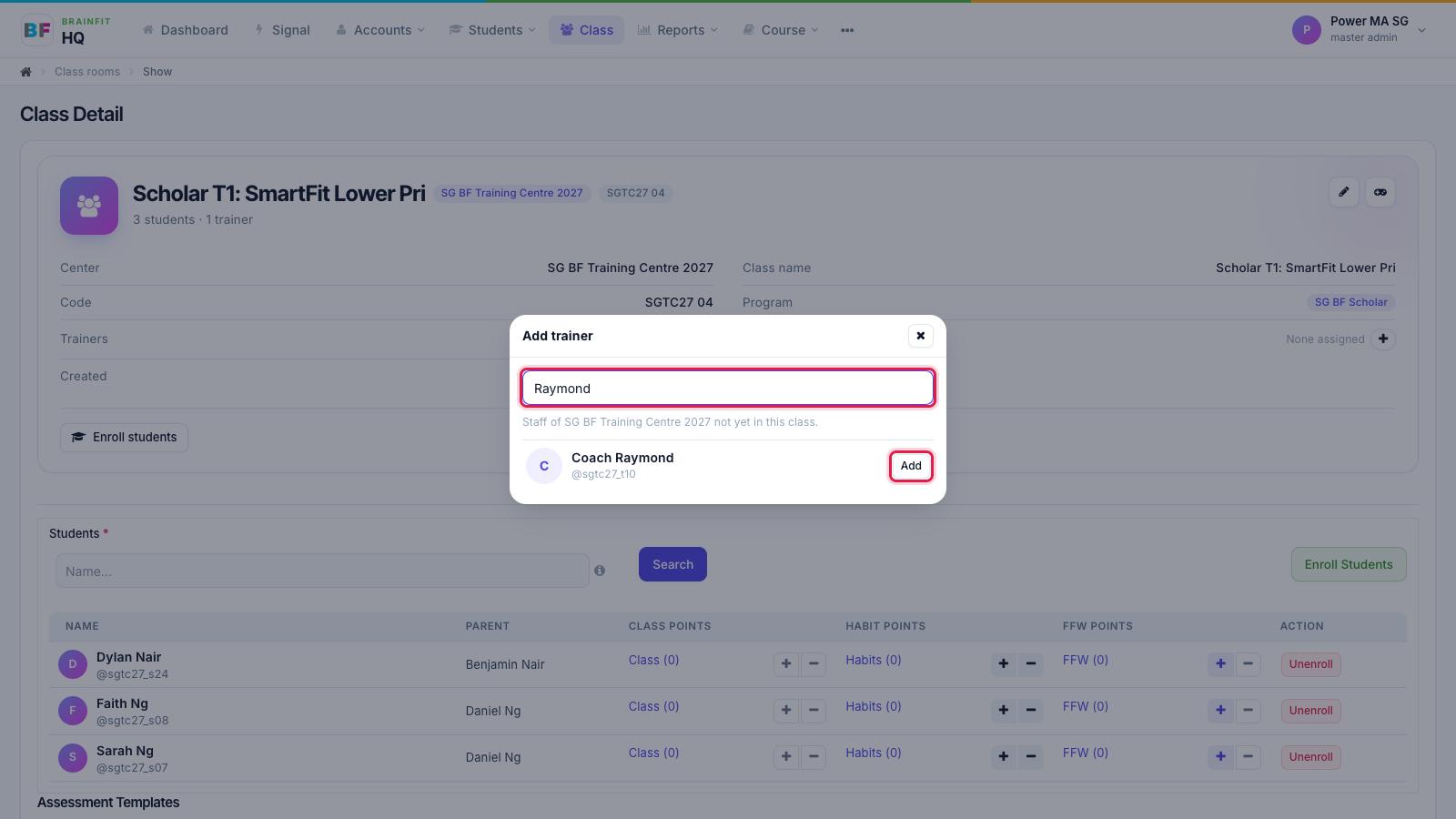
- Search by name or username. The list only shows staff of this class's centre who aren't in the class yet. Click Add.
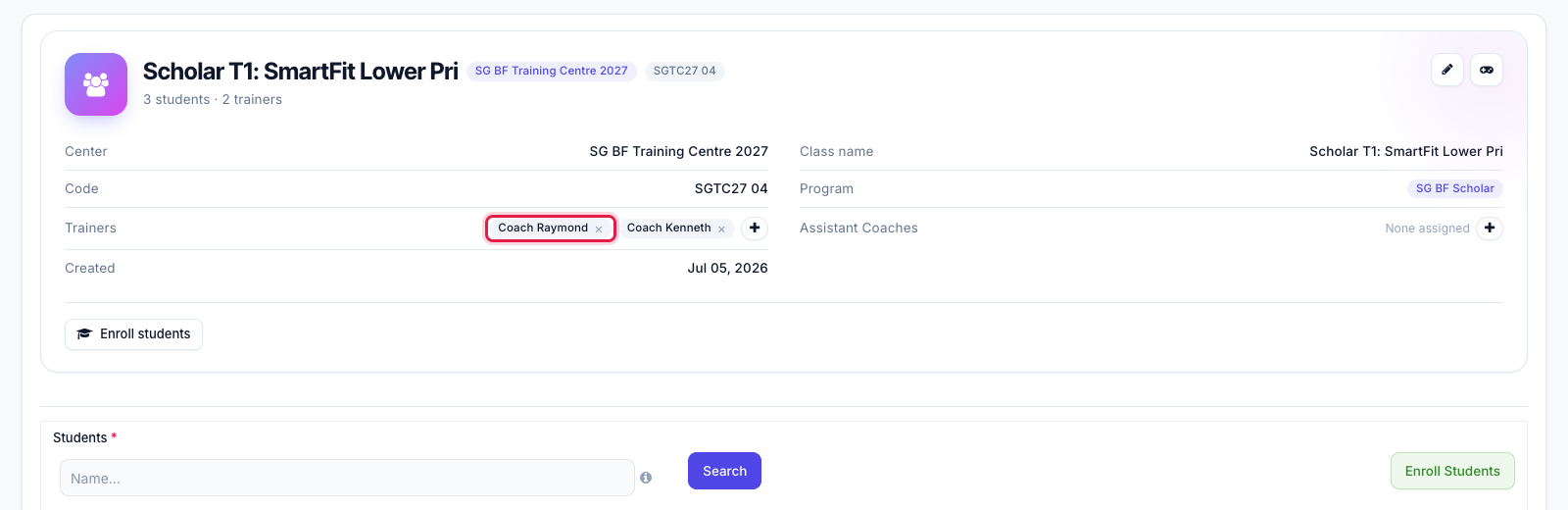
- The trainer now shows on the class.
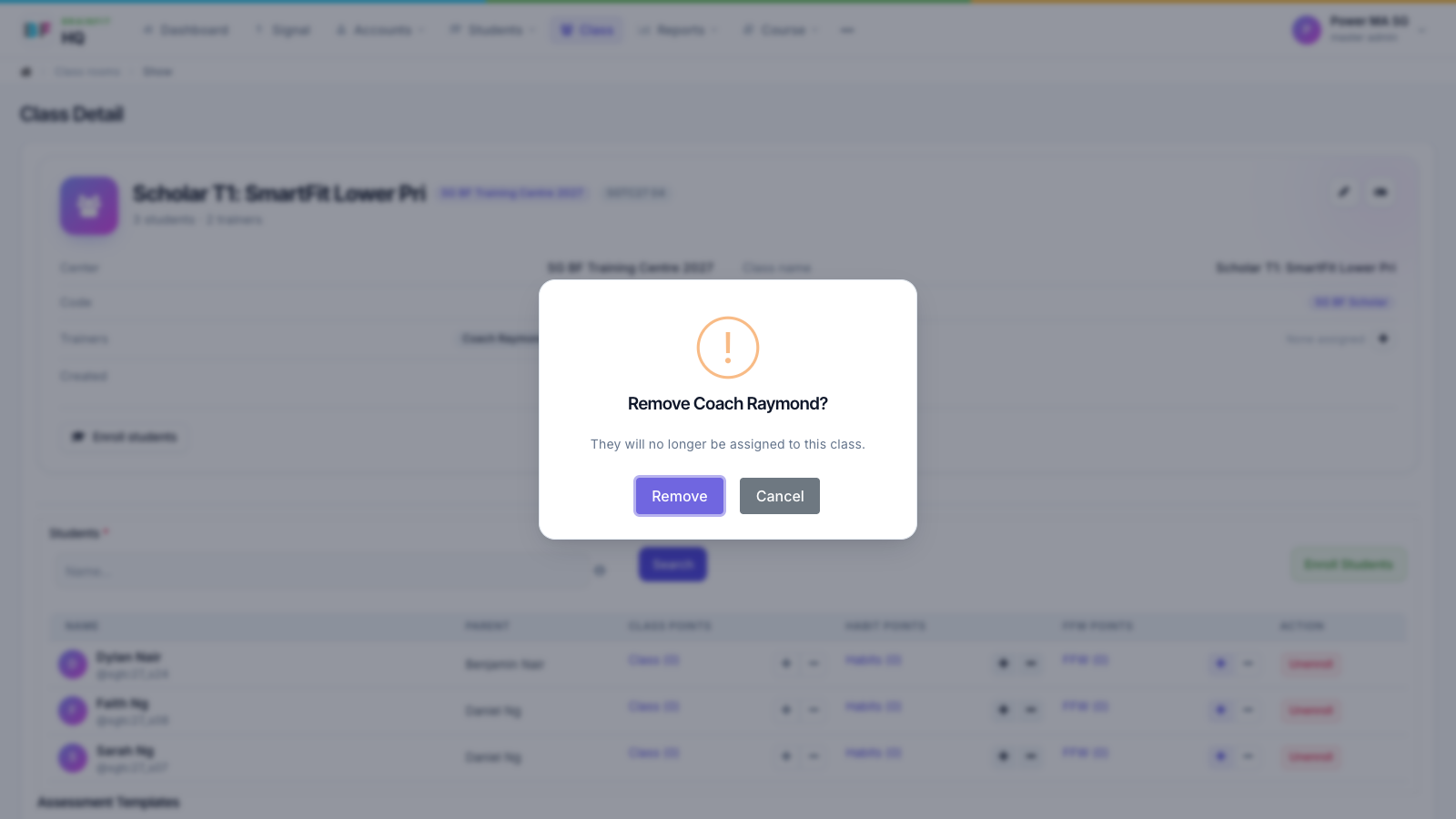
- To remove someone, click × on their name and confirm with Remove.
Note: this only changes who teaches the class. The class's games and students stay as they are.